Tuesday, February 14, 2012

Uganda Project

Hi 5th Graders,

This, if I don't have a recent timed typing test on record for you, we'll be taking a quick timed-typing tests.  Those students who are typing fewer than 20 words per minute will spend the rest of class working on Type to Learn.

For those of you who type more than 20 words per minute, we'll pack our bags, and begin to plan a week-long visit to Uganda.  This will take quite a bit of research, and over the course of the project we'll discuss what makes a website credible, or dependable... and how to cite our web-based research using Noodlebib.

First, you'll hunt for some basic information about Uganda, and fill out a fact sheet located in your network folder.

Next, plan your week.  I have given you a list of links of companies who plan family vacations in Uganda, and organizations that do volunteer work there.  Explore the websites, and decide how you would spend a week.  I don't want you to plan everything from one website, but use at least three.

You'll need to tell me day-by-day what you plan to do (filling out a chart in your network folder) and plot your travels on a map.

And at the end of your research, you'll create a Power Point presentation to describe your adventure.

Links:


Fact Sheet


flight from Washington to Entebbe

Saturday, January 21, 2012

Scantron Testing in Technology Class

Over the next week or two in Technology class, we will be taking an online test called the Scantron Performance Series. You will be taking tests in reading and math.  You can work at your own pace, and there are no time limits.

These tests are like the Terra Nova tests, but taken online.  The results will not appear on your report cards or affect your group placements... they are simply to help your teachers identify what skills you have mastered, and what you still need to work on.

We'll talk about the tests in class before you take them for the first time on Tuesday or Thursday.

Mrs. Morell

Wednesday, January 18, 2012

Type to Learn, and some new typing games to mix things up

We will continue to work on Type to Learn this week, but will also have time to try a few online keyboarding games at the end of class.

I think you should all start with the ABCya! Keyboard Challenge:

http://www.abcya.com/keyboard.htm

I also think you will also have fun with Cup Stacking and Alpha Munchies:

http://www.abcya.com/cup_stack_typing_game.htm

http://www.abcya.com/kids_typing_game.htm


Next, try BBC's Dance Mat Typing:

http://www.bbc.co.uk/schools/typing/flash/stage1.shtml

And if you are ready for a huge challenge,  you can also try Typer Shark:

http://kids.aol.com/games/typer-shark/
Enjoy!

Mrs. Morell

Wednesday, January 4, 2012

The Scientific Method - via PowerPoint

It's time to start thinking about science fair projects in the 5th grade, and the foundation of any good project is a solid understanding of the scientific method. 

So, this week and next in the lab, we will use PowerPoint to define and illustrate the steps of the scientific method.  I introduced the basics of PowerPoint to the students, and gave them a hand-out with the necessary definitions.  They were given to option to design the slide with their choice of designs, colors and templates.  The resulting slides will be printed in hand-out form, and tucked in their binders for easy reference as the projects unfold this month and next.

Here is a preview of some of the work 5F began on Tuesday:


Can't wait to see how the PowerPoints unfold over the next couple of weeks!

Mrs. Morell

Thursday, December 15, 2011

Internet Scavenger Hunt

Today we will review how best to search the Internet to find answers to research questions.

First, we will watch a video from Common Craft titled: "Web Search Strategies in Plain English."  This short video gives a quick overview of how Search Engines work, then discusses the use of effective keywords and Boolean search strategies.


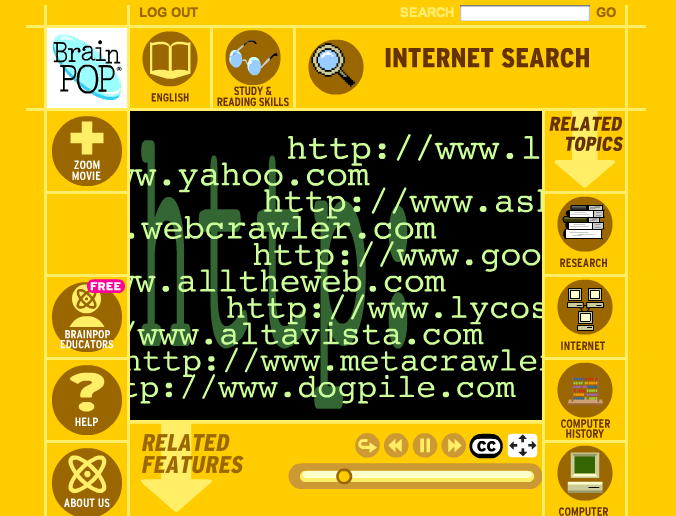
Next, we will watch another short video from BrainPop titled: "Internet Search."  This also gives a good overview of Internet Search strategies from the perspective of the ever popular Tim and Moby.


We'll discuss what we have seen on the videos, then review key strategies from the website Common Sense Media.  Armed with this knowledge, we'll tackle a Internet Search Scavenger Hunt.  Students will be required to use at least three different search engines, and list the keywords they used to find the answers to a series of trivia questions.

Parents - Please refer to the following page from Common Sense Media.  It's a great resource to have on hand next time your student is working on Internet research at home.


Thursday, December 8, 2011

Using PBS Sites to Explore Internet Safety

Today, we will play a pair of games to explore issues of web safety, information literacy and digital citizenship.  Both games have been created by PBS Kids.

The first is a simple introduction to some of the major topics in Internet safety, such as downloading, passwords, meeting people online and being safe.  By navigating this game, and answering questions correctly, students will earn an official web license:

http://pbskids.org/old_license/


PBS has also created a more comprehensive game titled Webonauts, to be found here:

http://pbskids.org/webonauts/


These games will kick off a discussion of Internet Safety that will take place next week.

Monday, November 28, 2011

Researching Jesuit Saints

Each 5th grader will be completing a report of the life of a Jesuit Saint for religion class this month. This week, we will consult the website of the Jesuit Curia in Rome to research Saints.  We will talk about why this is an excellent online resource to use.

The link to the site can be found here:

List of Jesuit Saints